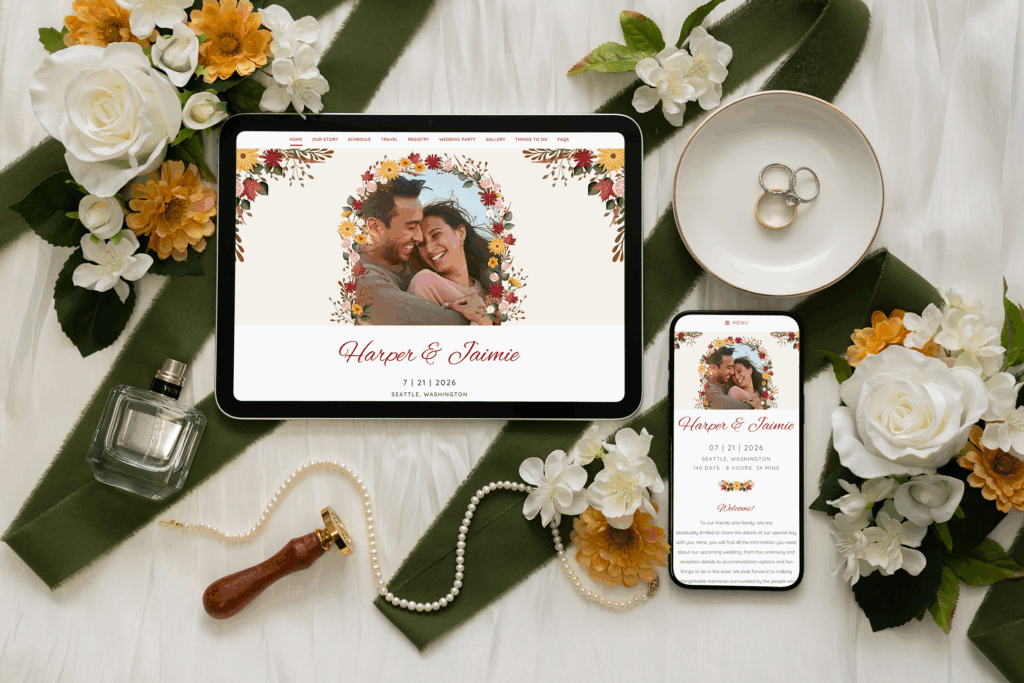
When you’re planning a wedding, the right wedding website can save you from drowning in spreadsheets, text messages, and sticky notes. Everything needs to live somewhere, from guest lists and RSVPs to hotel blocks and registry links, and most of us end up with information scattered across five different platforms. Lovebird recently launched free wedding websites that promise to fix this mess with elegant designs and a simpler way to handle wedding guest communication. I spent three weeks testing the platform and had family members run through the RSVP process to see if it actually delivers.
What Comes With Lovebird’s Free Wedding Websites
Honestly, the free version of Lovebird surprised me. You’re not getting a watered-down starter site that forces upgrades at every turn. Instead, you can build a complete, customized wedding website without hitting paywalls.
You get access to more than 160 templates (I counted), with new designs added regularly. The customization goes beyond picking a color since you can adjust fonts, layouts, and create unlimited pages. Your site lives at a personalized URL like lovebird.com/janeandmichael2026, which beats the random string of characters some platforms assign. The free version also includes QR codes for printed materials, password protection if you want privacy, and gift registry integration.
I built an 8-page wedding website using just the free features. It looked professional enough that my cousin asked who designed it. There were no ads, no Lovebird branding forcing itself into your design, and no “upgrade to remove watermark” tricks. Just an actual, functional wedding website.
What You Get When You Upgrade
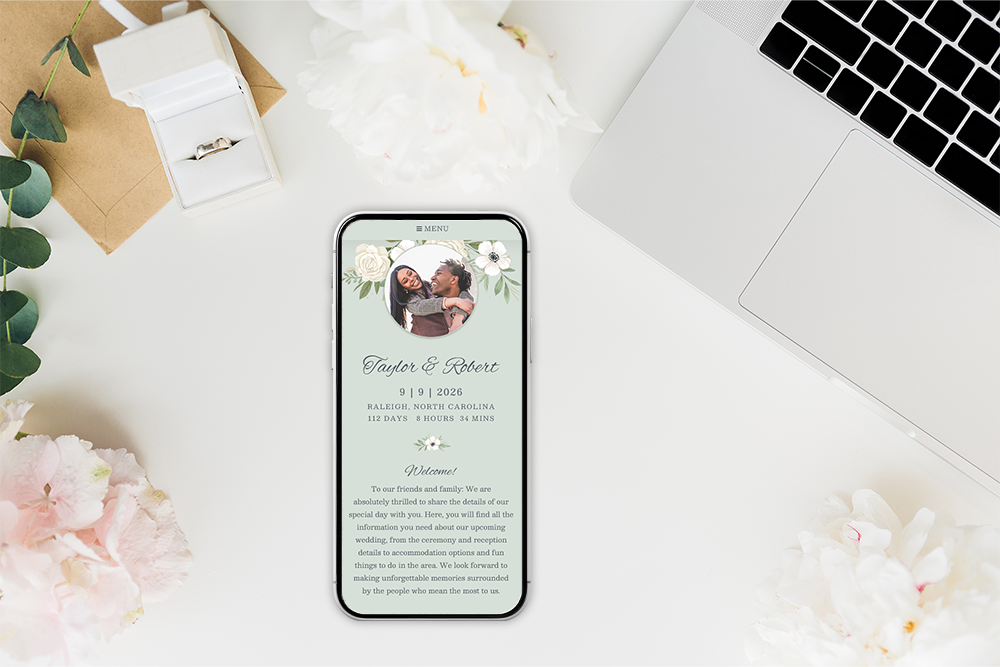
The paid packages add the features that turn a wedding website into a complete wedding guest communication platform. Once you upgrade, you get RSVP management with meal selections and dietary restrictions, guest list management where collaborators can help without needing your password, and the ability to send targeted messages. You can send parking info to just the confirmed guests or weather updates to everyone, depending on what you need.
The digital stationery suite is where things get interesting. Engagement announcements, save the dates, invitations, and thank you cards all match your wedding website design automatically. You won’t need to manually match fonts and colors across different platforms, trying to remember if you used “dusty rose” or “blush pink.”
Current pricing tiers as of 2025:
RSVP Plan: $99 (normally $159): Adds RSVP collection with meal selections, guest list management, RSVP notifications, and digital save the dates
Invitation Plan: $279 (normally $399): Everything above plus digital invitations that collect RSVPs directly
Full Suite Plan: $299 (normally $499): The complete package with engagement announcements, thank you cards, Shared Albums, and Video Guestbooks
For context, paper invitations for 150 guests typically run $400 to $600, plus another $150 in postage. The Full Suite costs less than paper alone, and you get automated reminders, real-time RSVP tracking, and the ability to message guests when plans inevitably change.
Creating Your Wedding Website
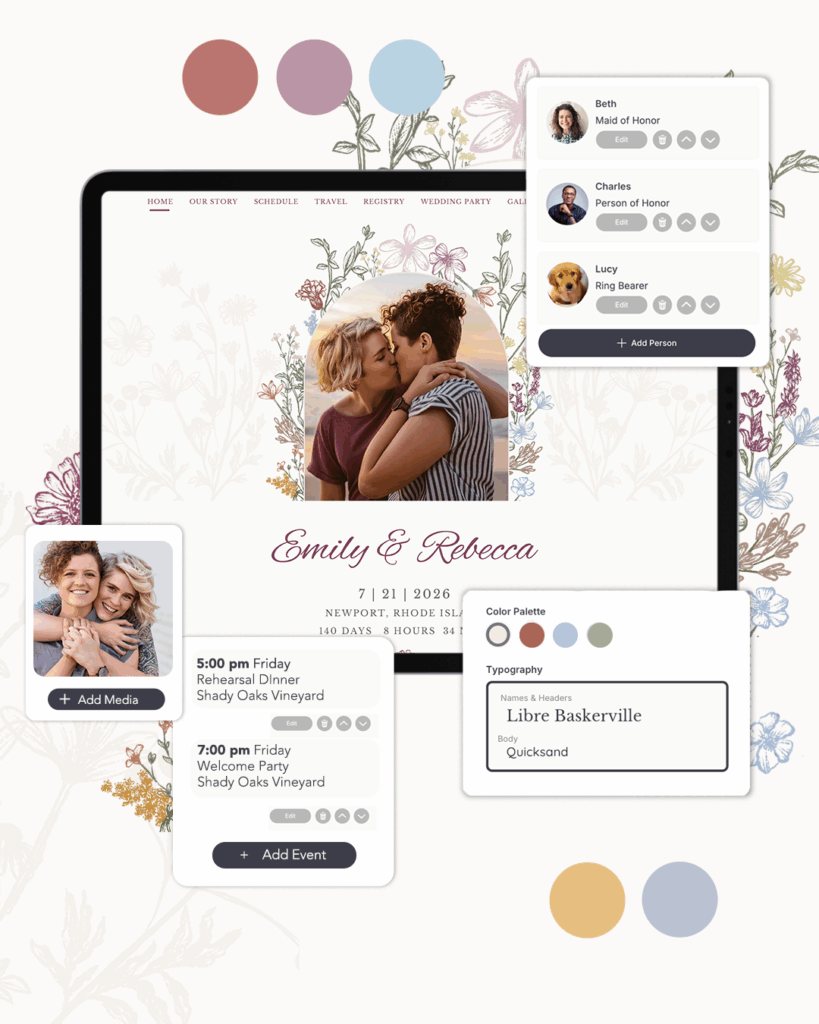
Getting started at Lovebird’s template gallery was refreshingly straightforward. I chose the Ginger Jar template, which has a blue and white pattern that felt classic without being stuffy. Building out the pages took about 20 minutes for a fake couple’s story, ceremony and reception details, three hotel options at different price points, registry links, FAQs covering everything from dress code to plus-one policy, and wedding party bios.
Here’s what I appreciated: the editor made sense without needing a tutorial. Photos uploaded quickly without the dreaded progress bar that never moves. You can add collaborators too, which means your future mother-in-law can update hotel information while you handle the fun stuff. These small details make the platform feel like it was actually designed by people who’ve planned weddings.
Read our review of the best wedding websites here (and see where Lovebird ranked!)
How RSVPs and Guest Management Actually Work
With the paid plans, guests don’t need to create accounts to RSVP, which is a huge advantage. They click the link in their invitation, see the meal options, select dietary restrictions, and can RSVP for their whole family at once. The system handles plus-ones smoothly, ending the confusion about whether someone can bring a date.
You can send invitations by email or text, though texting only works for U.S. and Canadian numbers. The dashboard shows you exactly who opened their invitation and when, who responded, and who’s still thinking about it. This means you can follow up with just the people who need reminding, rather than mass-texting “did you get our invitation?” to everyone.
The targeted messaging feature honestly saves sanity. You could text just confirmed guests about a venue change without bothering people who already declined, or send parking updates only to those attending. Building your list is flexible too. You can import contacts from Gmail, Yahoo, or Excel, or add them one by one. Everything saves to your Lovebird Contacts, so addresses are ready when you need them for shower invitations or thank you cards later.

Performance and Smart Details
The sites loaded fast on everything I tested, including my ancient iPad that usually struggles with modern websites. QR codes worked from normal scanning distance. In testing, people could scan them from across a table without picking up the card. The mobile version looked clean and worked smoothly, which matters since 90% of your guests will only ever see your site on their phones.
Some thoughtful touches stood out during testing. You can customize email subject lines so they don’t look like spam. Both partners’ names show as the sender so everyone recognizes who it’s from. There’s even private messaging for those one-off “actually, can you not bring your new boyfriend?” conversations. These aren’t groundbreaking features, but they show the platform was built by people who understand wedding planning chaos.
The platform comes from the team behind Punchbowl, Timehop, and Memento. These companies have been around long enough to trust with your wedding details. That matters when you’re choosing where to store your entire guest list.
Who Should Use Lovebird
Lovebird makes the most sense for couples managing 50 or more guests, especially if you’re coordinating multiple events like rehearsal dinners, ceremonies, and farewell brunches. The platform shines when you need everything to work together. Your wedding website matches your invitations, RSVP tracking flows into meal selections, and guest list management doesn’t require a spreadsheet certification.
Smaller weddings can still benefit from the free version though. Even if you’re going with paper invitations, having a central place for schedules, travel details, and registry links beats sending fifteen different emails with the same information.
Tips That Actually Help

Start with the free wedding website before committing to upgrades, since you might find it’s all you need. Once you’re set up, add collaborators early in the process. Delegating tasks like hotel updates or registry management to your maid of honor or family members saves both time and stress, especially as the wedding gets closer.
QR codes are worth using everywhere, from save the dates to ceremony programs. People actually scan them now (I promise), and it’s much easier than having guests type in a URL. If you do upgrade to a paid plan, set up RSVP reminders immediately. The automatic nudges handle the awkward follow-ups for you, so you’re not personally texting Uncle Bob two weeks before the wedding asking if he’s coming.
The messaging features work best when you’re selective about who gets what information. Your confirmed guests need parking details, but people who declined don’t need weather updates. The platform lets you send invitations by text to younger guests and email to older relatives, which tends to get better response rates from both groups.
One last thing I wish I’d known earlier: always check the mobile version before sharing your site. What looks perfect on your laptop might be completely unreadable on phones, and that’s how most of your guests will view it.
The Bottom Line
Lovebird delivers on its promise of being the most comprehensive wedding guest communication platform available. The free wedding websites look expensive and work smoothly. If you upgrade, you get a system that actually simplifies planning. Everything coordinates, updates happen in one place, and your guests get a polished experience from save the date through thank you card.
Built by a trusted company with award-winning technology, the platform handles the entire guest communication journey without the technical headaches that newer services struggle with. For couples tired of managing wedding details across multiple spreadsheets and platforms, this brings everything together in a way that actually makes sense.
Frequently Asked Questions
Is Lovebird really free? Yes. You can build a full wedding website with unlimited pages, customization, and registry links without paying. There’s no trial period or hidden fee.
Can I collect RSVPs with the free version? No, you’ll need to upgrade for RSVPs. The RSVP Plan starts at $99 and adds RSVP tracking, meal selections, and guest list tools.
What makes Lovebird different from other wedding websites? The designs are more current than many competitors, and everything works together. Your wedding website, digital invitations, RSVP tracking, and guest list all live in one place instead of across different services.
Who should use Lovebird? Couples planning weddings with 50 or more guests, or those juggling multiple events, will get the most out of it. Smaller weddings can still benefit from the free version though, since it’s an easy way to share schedules, travel details, and registry links.
Can guests RSVP without creating an account? Yes, guests can RSVP without any account. They just click the link and respond directly from the invitation.
Can I send invitations by text message? Yes, you can send by text or email. Text messaging currently works for U.S. and Canadian phone numbers only.
Have questions about specific features? Used Lovebird for your wedding? Share your experience in the comments below!
Some links in this post may be affiliate links, which means we may earn a small commission if you make a purchase through them. Thank you for your support!